Sage 50 and QuickBooks Accounting Software
Use Sage 50 and QuickBooks Like a Pro
What you'll learn
- Set up Sage and enter company data
- Build the chart of accounts and enter balances
- Record inventory items, goods and services
- Manage suppliers and the purchasing cycle
- Manage customers and the sales cycle
- Enter journal entries
- Produce reports
- Set up backups and user permissions
- Use QuickBooks to carry out the same operations
About this course
This course teaches the accounting software Sage and QuickBooks step by step. It starts with an overview, the course topics and an introduction to Sage, then sets up the program and enters the company's basic data, and builds the chart of accounts by adding and removing accounts and entering balances. After that you learn inventory and its types and how to record goods and services, suppliers and the purchasing cycle, customers and the sales cycle, entering journal entries and adjusting inventory quantities, reports, backups and user permissions. Then the same steps are repeated in QuickBooks, from setting it up and adding accounts to recording inventory, suppliers and customers, journal entries and reports. The course suits accountants, accounting students and business owners who want to keep their own books. It is best to know basic accounting concepts so you understand the reason for each step. By the end, you will be able to set up a new company in either program, record transactions and produce reports.
Expected outcomes
- Master the use of Sage 50 and QuickBooks for accounting operations.
- Accurately enter accounts and financial information.
- Set up inventory and handle customers and suppliers professionally.
- Generate financial reports for informed decision-making.
Learner reviews
- ★★★★★محمد س.·منذ 1 شهرشاهد 100٪
محاضرة غاية في الاهمية ومعلومات وفيرة ولابد من المراجعة مرة اخرى لتحقيق اقصى قدر من الفائدة شكرا جزيلا
- ★★★★★اسماعيل ع.·منذ 3 شهرشاهد 50٪
ممتازة ماشالله تبارك الرحمن
- ★★★☆☆ahmed A.·منذ 3 شهرشاهد 100٪
دورة مبسطة عن البرامج
تم عرض كل التقييمات (3)
Course content
1Sage50 Program
11 lectures
- Course Introduction and TopicsIntroduces the course outline and why Sage 50 and QuickBooks matter, covering what the learner will study, from company setup and the chart of accounts to the sales and purchase cycles, journal entries and reports.4:01
- Introduction to Sage 50Introduces Sage 50, formerly known as Peachtree, explaining that only the name changed while the program stayed the same, and the role of documents and financial data in it leading to the financial statements.7:42
- Setting Up the Program and Entering Basic Company DataExplains setting up Sage 50 and creating a new company, choosing how to build the chart of accounts, selecting the accounting and posting methods, then getting to know the main screen and the chart of accounts.17:59
- Chart of Accounts: Adding Accounts, Deleting Accounts, Entering BalancesExplains managing the chart of accounts in Sage 50, from adding an account and setting its type to deleting one, entering opening balances so debits equal credits, and printing the chart of accounts.14:46
- Inventory, Types of Inventory, How to Record Inventory Items (Goods - Services)Explains inventory, its types and recording items, goods and services, in Sage 50, such as the cost valuation method, product classification, reorder point and multiple item variants, and how they appear on the main page.22:04
- Suppliers and the Purchasing CycleExplains registering vendors in Sage 50 and the full purchase cycle, from purchase order and receiving goods to returns and paying invoices, with the automatic journal entries and the remaining balance owed to the vendor.32:00
- Customers and the Sales CycleExplains registering customers in Sage 50 and the sales cycle, from sales order and invoice to returns and cash receipts, with customer data, payment terms, the credit limit warning and how returns affect the balance.21:17
- Entering Journal EntriesExplains entering journal entries manually in Sage 50 for transactions with no document, such as a wages entry, and how entries post automatically and appear in reports and financial statements.5:56
- Adjusting Inventory QuantitiesExplains inventory adjustments in QuickBooks to correct quantities after damage or surplus, entering the item, account, quantity, reason and reference document number, and how the new quantity shows in stock.3:59
- ReportsExplains reports in Sage 50 and how to view, print, export or email them, such as the income statement, balance sheet, inventory and adjustment reports, and drilling back to the original entries and documents.19:10
- Backup - User PermissionsExplains making and restoring a backup in Sage 50 to protect data, then setting user permissions so each user is limited to the areas he needs, such as the sales cycle only.12:04
2QuickBooks Program
5 lectures
- Configuring QuickBooks and Adding AccountsExplains setting up QuickBooks and creating the company files, editing the chart of accounts by deleting an unneeded account, and entering the opening balance of the land account and its effect on owner's equity.15:26
- How to Record Inventory Items from Goods and ServicesExplains recording inventory items in QuickBooks, including goods, services and groups, enabling the inventory option and entering cost, selling price and linked accounts, ahead of registering customers and vendors.14:23
- Recording Suppliers and the Purchasing CycleExplains registering vendors in QuickBooks and the full purchase cycle, from purchase order and receiving goods to the bill and paying bills, and how each document affects the vendor balance.18:46
- Customers and the Sales CycleExplains registering customers in QuickBooks and the sales cycle, from sales order and invoice to receiving payment, how the customer balance and transactions appear in the Customer Center, with the credit limit warning.19:09
- Journal Entries, ReportsExplains journal entries and reports in QuickBooks, including customer balance, income and expense reports and quick analysis, tracing report figures back to the original document, and inventory reports.13:37
Instructor
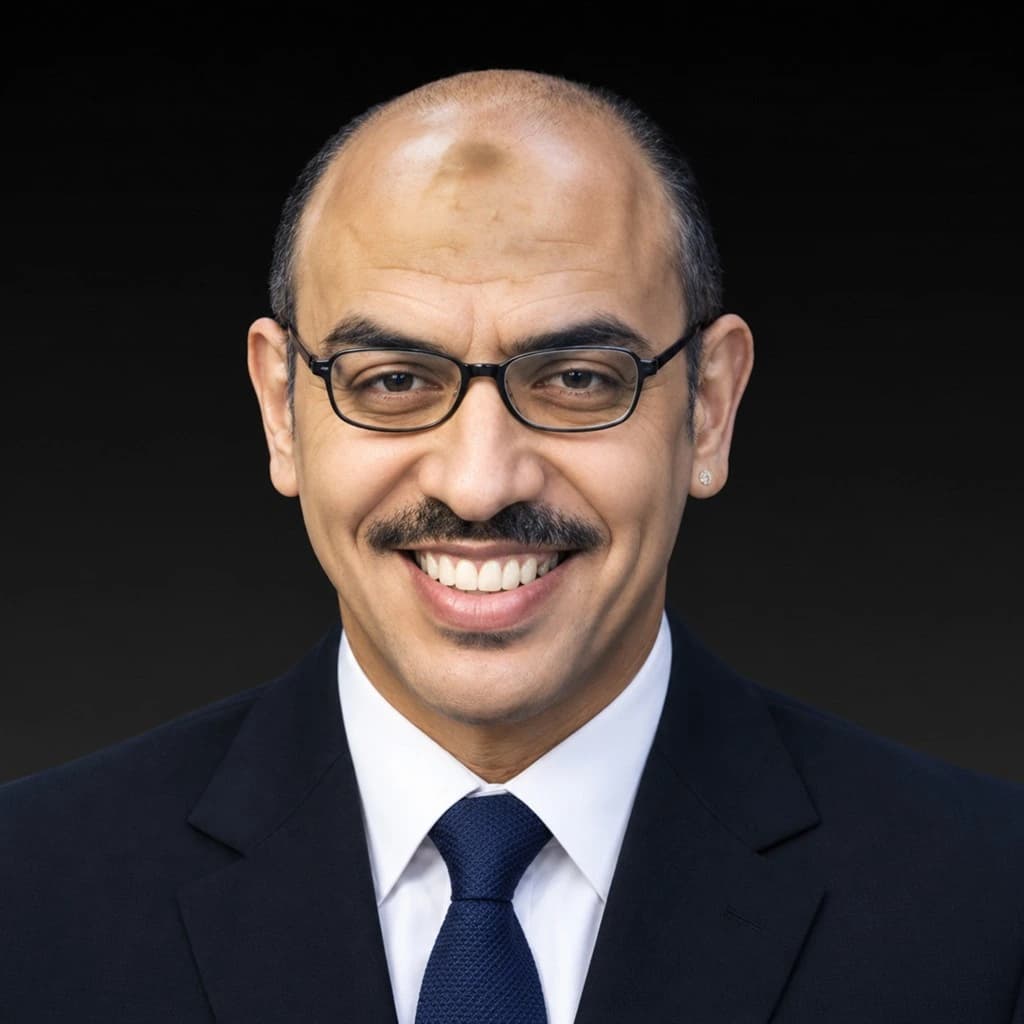
Mohamed Rami
This course is part of the diploma