All instructors
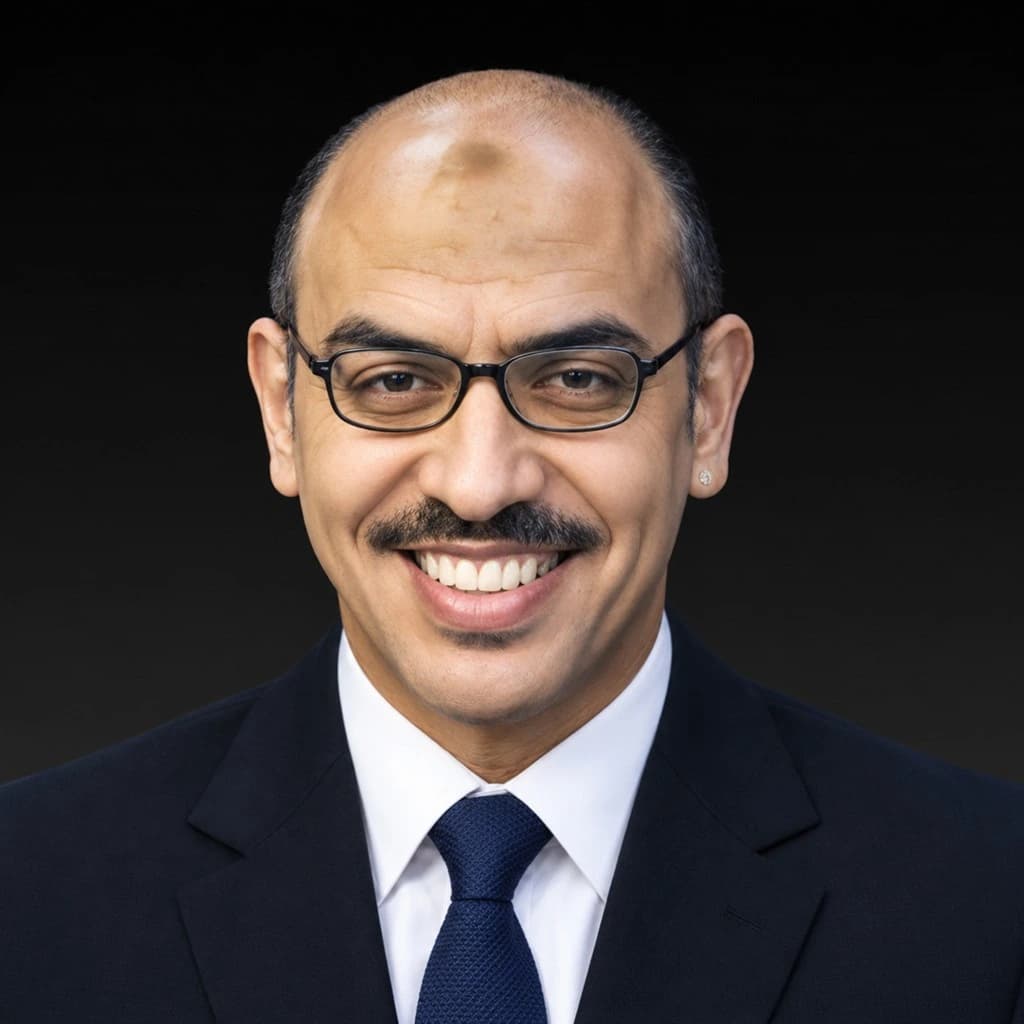
Mohamed Rami

Mohamed Rami

Author of Accounting Books

3 courses13.6K views

Lecturer and trainer in accounting subjects in Arabic and English, author of books in this field.

Courses by Mohamed Rami

  • Sage 50 and QuickBooks Accounting Software
    4.7(101)|2,247|4:02

    Sage 50 and QuickBooks Accounting Software

    Use Sage 50 and QuickBooks Like a Pro

    Mohamed Rami
    Mohamed Rami
  • Advanced Accounting Excel
    4.4(91)|6,157|4:03

    Advanced Accounting Excel

    Functions, Constraints, and Advanced Reports

    Mohamed Rami
    Mohamed Rami
  • Planning and Managing Accounting Activities Odoo ERP
    4.7(54)|5,210|3:36

    Planning and Managing Accounting Activities Odoo ERP

    Master Using Odoo ERP Tools Efficiently

    Mohamed Rami
    Mohamed Rami

What you will learn with Mohamed Rami

Sage 50 and QuickBooks Accounting Software

This course teaches the accounting software Sage and QuickBooks step by step. It starts with an overview, the course topics and an introduction to Sage, then sets up the program and enters the company's basic data, and builds the chart of accounts by adding and removing accounts and entering balances. After that you learn inventory and its types and how to record goods and services, suppliers and the purchasing cycle, customers and the sales cycle, entering journal entries and adjusting inventory quantities, reports, backups and user permissions.

  • Master the use of Sage 50 and QuickBooks for accounting operations.
  • Accurately enter accounts and financial information.
  • Set up inventory and handle customers and suppliers professionally.
  • Generate financial reports for informed decision-making.

Advanced Accounting Excel

This course teaches advanced Excel for accounting, from conditional functions all the way to building a complete accounting system. You start with conditional sum, count, and average functions such as Sumif, Countif, and Averageif, then the nested IF function and the lookup functions Vlookup, Hlookup, INDEX, and MATCH, the Aggregate function that skips errors, and the types of cell references. Next you move to pivot tables, Slicer filters, database functions, and macros, then analysis tools such as Scenario, Goal seek, Solver, and break-even analysis. The course also covers conditional formatting with formulas, advanced filtering, custom lists, and advanced printing.

  • Ability to apply advanced accounting tools in Excel.
  • Create accurate and effective accounting tables and reports.
  • Analyze financial data to make informed decisions.
  • Design a comprehensive accounting system tailored to business needs.

Planning and Managing Accounting Activities Odoo ERP

This course teaches you how to plan and manage accounting activities with the Odoo ERP system, step by step. It starts with an introduction and a definition of ERP systems, then the Odoo system, its apps and the course contents. Next you learn how to create an account and a database and get an overview of the system, turn on the Arabic language, set up company data and general settings, then sales, purchase, warehouse and accounting settings. You then get to know the user interface and the system screens, work with the chart of accounts and journal entries, record products and inventory, and record suppliers and create a purchase order.

  • Set up Odoo ERP for managing accounting activities.
  • Configure accounts and customize the user interface easily.
  • Create detailed reports for financial performance analysis.
  • Use the system to support daily operations efficiently.