Planning and Managing Accounting Activities Odoo ERP
Master Using Odoo ERP Tools Efficiently
What you'll learn
- Understand ERP systems, Odoo and its apps
- Create an account and a database in Odoo
- Turn on Arabic and set up company data
- Set up sales, purchase and warehouse settings
- Set up accounting settings
- Work with the chart of accounts and journal entries
- Record products, inventory and suppliers
- Run the purchase cycle and the sales cycle
- Produce reports and analyze financial data
About this course
This course teaches you how to plan and manage accounting activities with the Odoo ERP system, step by step. It starts with an introduction and a definition of ERP systems, then the Odoo system, its apps and the course contents. Next you learn how to create an account and a database and get an overview of the system, turn on the Arabic language, set up company data and general settings, then sales, purchase, warehouse and accounting settings. You then get to know the user interface and the system screens, work with the chart of accounts and journal entries, record products and inventory, and record suppliers and create a purchase order. In the final part, you follow the purchase cycle and the sales cycle, and you end with reports for analyzing financial data. The course suits accountants, accounts staff, small business owners and anyone who wants to run an ERP system at work. You do not need previous experience with Odoo, but a basic knowledge of accounting will help. By the end, you will be able to set up Odoo for your company, record accounting operations, run the purchase and sales cycles and produce reports.
Expected outcomes
- Set up Odoo ERP for managing accounting activities.
- Configure accounts and customize the user interface easily.
- Create detailed reports for financial performance analysis.
- Use the system to support daily operations efficiently.
Learner reviews
- ★★★★★مصطفى م.·منذ 1 شهرشاهد 53٪
ممتاز جدا جدا جدا
- ★★★★★معتز م.·منذ 1 شهرشاهد 58٪
- ★★★★★ahmed A.·منذ 3 شهرشاهد 100٪
هى دورة مفيدة وتعطى فكرة جميل عن برنامج odoo
- ★★★★★اسماعيل ع.·منذ 3 شهرشاهد 53٪
ماشالله تبارك الله يعطيك العافيه
- ★★★★★Nesreen H.·منذ 4 شهرشاهد 100٪
شرح ممتاز ومفصل ومفيد شكرا
Course content
1Planning and Managing Accounting Activities
19 lectures
- Introduction and Definition of ERP SystemsIntroduces ERP systems and Odoo, explaining that the system covers every department of an organization on one shared database, saving time and effort and improving efficiency, and why it spread in the Arab region.9:07
- ODOO System and Its ApplicationsExplains why Odoo is spreading, including Arabic support, low cost, flexibility and fast reports, and shows its range of apps and how developers can extend it and link it automatically with other apps.10:51
- Course ContentsOutlines the course path: creating a database on Odoo, enabling Arabic, inventory, the purchase and sales cycles and reports, with a tour of the home screen, apps and user profile.8:49
- Creating an Account and Database Overview of the SystemExplains how to create an Odoo account and a trial database, enter company details and choose apps, then tours the interface, accounting reports and the chart of accounts.8:14
- How to Create a Valid Database for 10 MonthsShows how to create an Odoo database for learning purposes that stays open longer than the normal trial period, including entering company details and activating the account from the email.4:34
- Activating the Arabic LanguageExplains how to add Arabic or any other language to Odoo and switch between it and English from the user profile, and how app names, screens and layout direction change.4:23
- Company Data ManagementExplains how to set up company data in Odoo from Settings: logo, name, address, main currency, email, color and branches, stressing the importance of choosing the right currency.4:17
- General System SettingsCovers Odoo general settings: inviting new users, document layout, fonts, logo and footer, units of measure, statistics, contacts options, and user permissions.9:24
- Sales, Purchases, and Inventory SettingsExplains the settings of the Sales, Purchase and Inventory apps in Odoo, such as product variants, price lists, quotations, shipping, invoicing and dropshipping.16:06
- Account SettingsExplains the Accounting app settings in Odoo, such as country-based fiscal localization, VAT, currencies, customer and vendor invoice options, bank statements and fiscal periods.10:29
- User Interface and System ScreensTours the Odoo interface and screens: the home screen, menus, list and card views, search, filtering and grouping, and form screens such as the invoice.11:27
- Account GuideExplains the chart of accounts in Odoo: numbering accounts by type (assets, liabilities, expenses, income), adding a new account with a suitable code, and editing and viewing accounts.10:59
- Journal EntriesExplains journal entries in Odoo: the balanced debit and credit rule, creating a manual entry such as an opening entry, and posting, resetting to draft, reversing or duplicating it.10:24
- Product and Inventory RegistrationExplains registering products and inventory in Odoo: entering product data, cost, category and income accounts, the difference between physical goods and services, and tracking stock moves.16:54
- How to Change Language and Use Arabic in the SystemShows how to add Arabic and switch the system to it from the user profile, and how journal entries, customers, invoices and reports appear in Arabic.6:19
- Supplier Registration and Purchase OrderExplains registering a new vendor in Odoo with address and bank details, creating a purchase order, and previewing and saving the document before sending it to the vendor.23:10
- Purchasing CourseWalks through the full purchase cycle in Odoo: request for quotation, converting it to a purchase order, receiving goods, creating the vendor bill, then returning goods and the credit note.13:35
- Sales CourseExplains the sales cycle in Odoo and the difference between the Sales and Point of Sale apps, creating and confirming a customer quotation, issuing the invoice and its accounting entry, sending it, and tracking payment status.32:48
- ReportsExplains how to produce financial reports in Odoo, namely the income statement and balance sheet, how to read their lines, export them to Excel or PDF, and compare them with earlier periods.5:04
Instructor
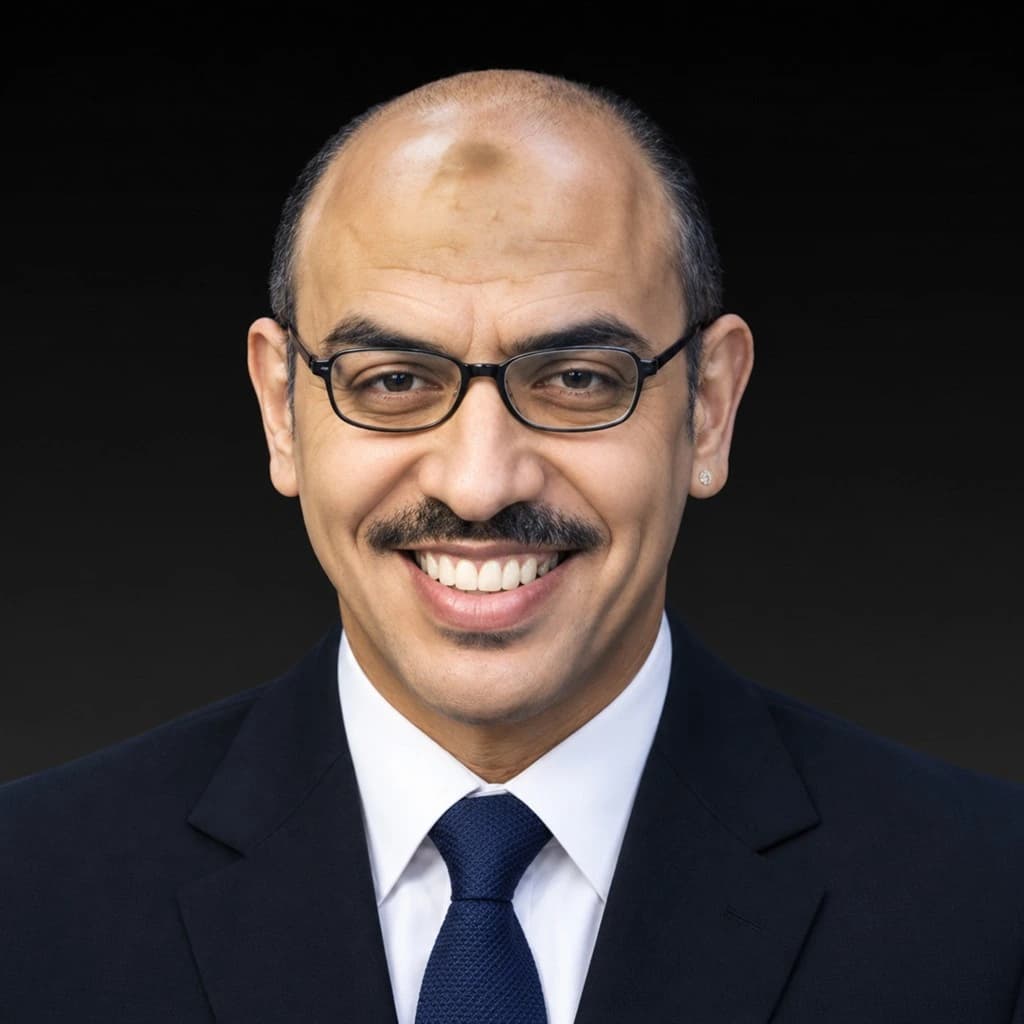
Mohamed Rami
This course is part of the diploma