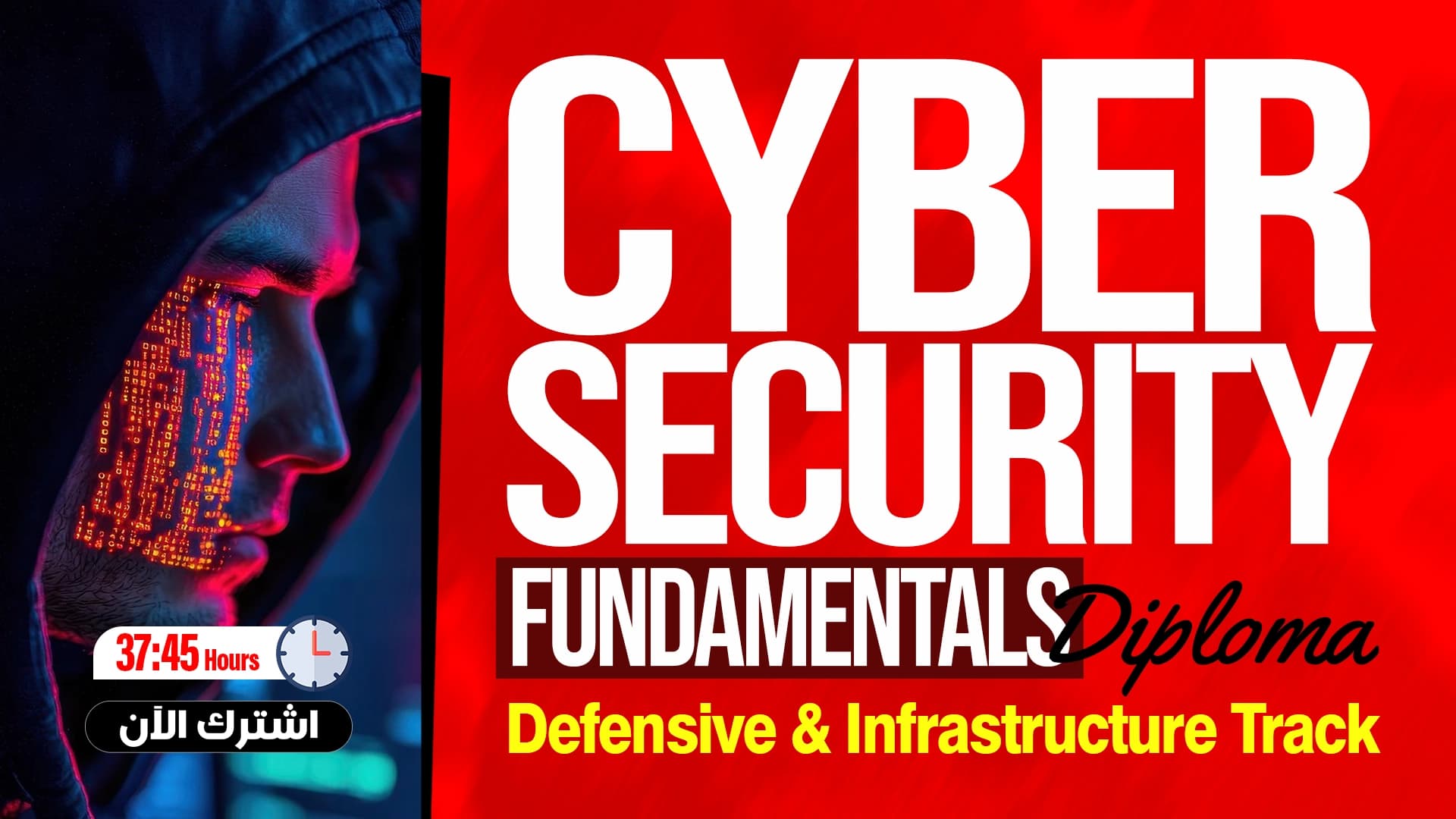
Wireshark Mastery for Ethical Hackers
Analyzing and Monitoring Data Traffic
What you'll learn
- Understand Wireshark basics and network analysis
- Follow a complete workflow for traffic analysis
- Use display filters and advanced search
- Analyze network traffic and extract information
- Detect suspicious activity on the network
- Analyze attacks in the DVWA environment for defensive purposes
- Read PCAP files and trace the source of connections
- Apply your knowledge in a final exam
About this course
This course shows you how to analyze network traffic using Wireshark, for the purpose of awareness, protection, and defense. You start with an introduction, the basics of the program, and network analysis, then the complete workflow for analyzing traffic step by step. After that you learn display filters and advanced search, and move on to analyzing network traffic and extracting information from packets. Then you get to know attack detection and the analysis of suspicious activity, and you apply it in the DVWA environment to understand how attacks appear in the traffic and how to detect and trace them. The course includes PCAP files, a workbook, and final exam questions. It is useful for anyone interested in cybersecurity and network monitoring, and for those who want to enter the field of SOC or incident response from the defensive side. You do not need any previous experience with Wireshark, because the course starts from the basics and builds up gradually. By the end, you will be able to read a PCAP file and understand what happens inside the network, use filters with confidence, and notice and analyze suspicious activity to protect the network.
Expected outcomes
- Ability to analyze any PCAP file and understand what is happening in the network accurately.
- Detect network attacks and trace their source.
- Analyze traffic during penetration testing.
- Use Wireshark as a fundamental tool in the field of Cybersecurity.
- Prepare to work in SOC, Incident Response, and Penetration Testing fields.
Learner reviews
- ★★★★★الحسن ب.·منذ 2 شهرشاهد 100٪
الدورة ممتازة جدا
تم عرض كل التقييمات (1)
Course content
1Wireshark Mastery for Ethical Hackers
12 lectures
- Course IntroductionIntroduces the Wireshark course: installing and configuring it for security analysts, capture versus display filters, analyzing traffic and detecting attacks, across five modules with a VirtualBox and Kali Linux lab.9:28
- Wireshark BasicsWireshark basics: installing it on Windows and Linux, choosing the interface and starting or stopping a capture, opening capture files, and using simple filters such as ip.addr, with a short quiz.26:25
- Complete Wireshark WorkflowA hands-on lab walking through a full Wireshark workflow: installation, choosing the interface, packet coloring, writing an IP filter, inspecting ping details, and using Follow Stream to view a conversation.18:48
- Filters MasteryFilters mastery in Wireshark: capture filter versus display filter, writing advanced filters by host and protocol such as TCP, UDP, ARP, HTTP and DNS, spotting credential sniffing, with a quiz.19:18
- Complete Filters MasteryA hands-on lab on Wireshark filters: capture versus display filter, applying filters by IP and port, using parentheses and logical operators, with a login to a target web application.17:40
- Traffic AnalysisTraffic analysis in Wireshark: following TCP, HTTP and UDP streams to see a full conversation, searching for words such as password and user, extracting files, and using SMB filters, with a short quiz.14:45
- Complete Traffic AnalysisA hands-on Wireshark traffic-analysis lab: opening a pcap file, applying HTTP and DNS filters, following UDP streams to extract queries, reading usernames and passwords from Telnet and FTP, and exporting packets.24:19
- Attack DetectionAttack detection with Wireshark: how ARP poisoning appears when a device impersonates the router's MAC address, plus port scans and command injection, with detection filters and evidence for a pentest report, and a quiz.13:23
- DVWA Attack DetectionA hands-on lab detecting attacks on DVWA with Wireshark: spotting ARP poisoning, port scanning and POST requests from login attempts using suitable filters, and exporting packets as evidence.24:38
- Advanced TechniquesAdvanced Wireshark techniques: linking events into a single attack chain, such as uploading and executing a file, filters to look for the file name, following streams, preserving evidence, and a port 4444 filter, with a quiz.14:29
- DVWA Advanced Attack ChainA hands-on lab analyzing an attack chain on DVWA: uploading a PHP shell file, running a command through it, then tracing it in Wireshark with filters for the uploaded file and port 4444 and exporting packets.18:42
- Final Exam & Course ClosureThe Wireshark course final exam: eight multiple-choice questions with hints on promiscuous mode, installing Wireshark on Kali, the SYN scan filter and ARP spoofing, then a closing recap: filter first, analyze second.8:59
2Add-ons
4 attachments
- Download the Workbook
- Download PCAP Files
- Final Exam Questions
- Exam Question Answers
Instructor
Eng. Moamen Mohamed
This course is part of the diploma