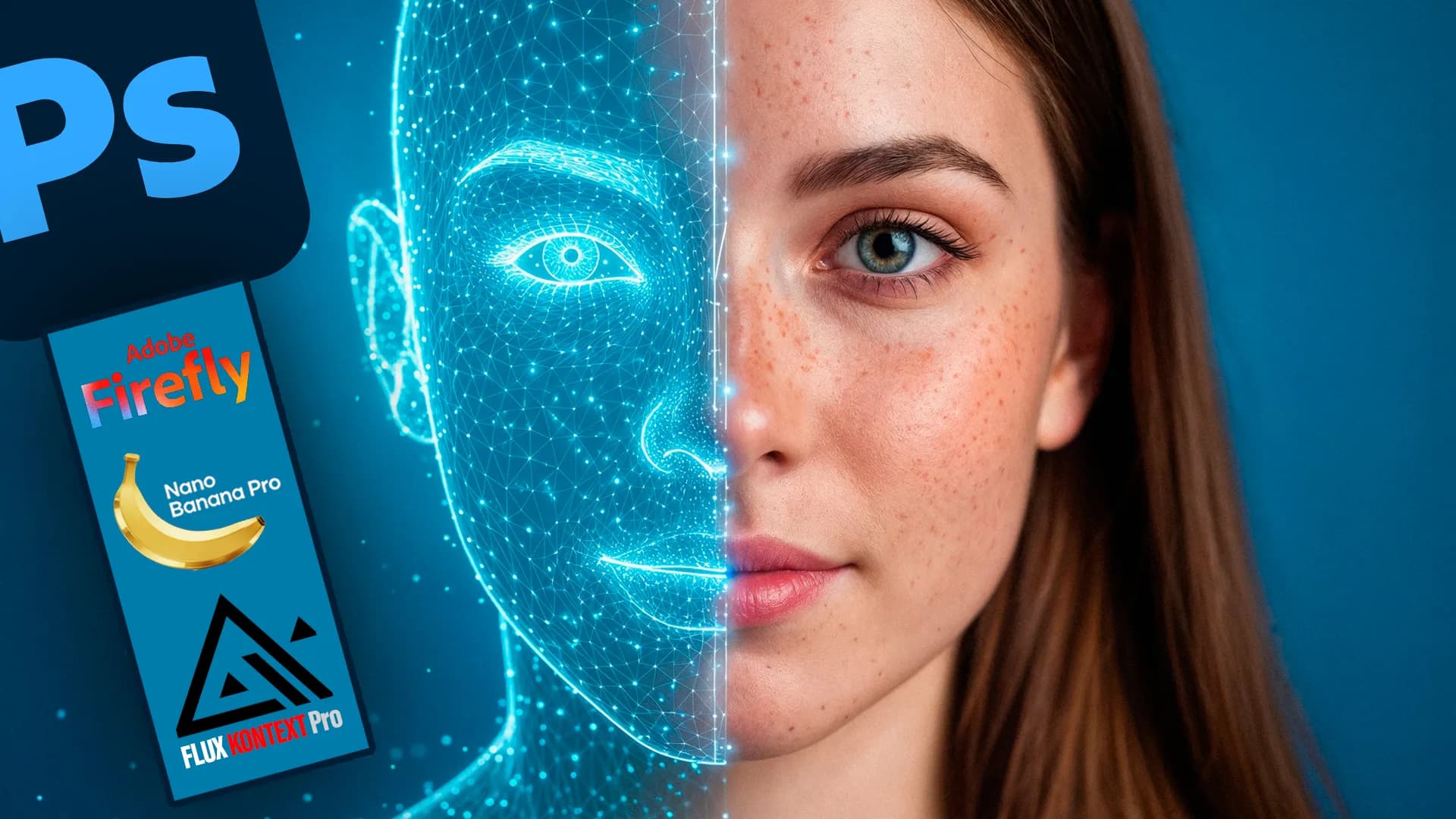
The Power of AI in Photoshop
Using Firefly and Nano banana Pro for Professional Designs
What you'll learn
- Write a professional text prompt in Firefly
- Generate and edit images with AI
- Improve image quality and add detail
- Add lighting and analyze image components
- Use selection, noise removal, and sharpening
- Design with nanoBanana pro
- Edit backgrounds, merge elements, and change perspective
- Compare models for image generation
- Use natural Neural Filters
About this course
This course shows you how to use artificial intelligence inside Adobe Photoshop to create designs and edit images quickly. It starts with an introduction and then the Firefly tool, writing a professional text prompt, generating and editing images, improving quality, and adding detail. After that you learn how to add lighting and analyze the components of an image, along with selection, noise removal, and sharpening. Then it moves to design with nanoBanana pro in two parts, advanced AI background editing, merging elements, and changing perspective. The course also compares models for style changes and for generating realistic and imaginative images, explains how to generate images with emotional expressions, and ends with natural Neural Filters. It suits designers, photographers, content creators, and anyone who wants to speed up their work in Photoshop, and it is best if you already know the program interface. By the end, you will be able to generate and edit images, improve their quality, and build complete designs using AI tools.
Expected outcomes
- Ability to create professional designs using artificial intelligence.
- Enhance image quality and details in smart and fast ways.
- Implement creative ideas in Photoshop with ease.
- Prepare for freelance work or execute real projects for clients.
Learner reviews
- ★★★★★فايزة م.·منذ 2 شهرشاهد 87٪
معلومات راااااائعة .. شكراً لكم
- ★★★★★mhmelmasry1·منذ 4 شهرشاهد 100٪
كورس جيد جدا
- ★★★★★Safwat A.·منذ 5 شهرشاهد 87٪
الصراحة ما كنتش متخيل كم المعلومات الحلوة دي كورس ممتاز جدا وجذبني اني ادرس واطبق الشرح
تم عرض كل التقييمات (3)
Course content
1The Power of Artificial Intelligence in Photoshop
15 lectures
- Course IntroductionIntroduces the AI in Photoshop course: the evolution of Adobe's AI tools including Firefly, and what trainees will learn, from generating and enhancing images to smart selection, social media design, and Neural Filters.3:54
- Firefly and Writing Professional TextExplains AI on device and the Firefly models, how they differ and when to use each, then shows text-to-image generation inside Photoshop and how to write a professional prompt.17:25
- Generating and Modifying ImagesExplains adding and removing elements in an image with AI using Generative Fill with Firefly and Nano Banana models, including removing the background, matching light and shadow, and editing through text prompts.23:08
- Enhancing Quality and Adding DetailsExplains improving and enlarging images with Upscale, comparing Topaz models, including Gigapixel for restoring facial features and Bloom for generating new detail, and comparing 2x and 4x enlargement.25:24
- Adding Lighting and Analyzing Image ComponentsExplains using Nano Banana for editing images: changing cinematic lighting while keeping facial features, changing perspective, breaking an image into its components such as a koshari dish, and extracting a fingerprint.11:42
- Selection, Noise Removal, and Clarity EnhancementExplains the AI Denoise and AI Sharpen filters for removing noise and increasing sharpness, smart selection tools for parts such as hair and eyes, and removing a watermark with Nano Banana Pro and Flux.12:08
- Designing with nanoBanana pro (Part One)Uses Nano Banana Pro to design a social media post for a watch, a movie or novel poster, a book cover, and a business card, adding text and details and specifying colors in the prompt.18:26
- Designing with nanoBanana pro (Part Two)Designs logos with Nano Banana Pro: a logo from name letters and an icon for a real estate company, then typography with effects such as fire and fruit, putting the text in quotation marks.14:32
- Advanced Background Editing with Artificial IntelligenceExplains advanced AI background editing, including replacing the sky while adjusting Shift Edge and its effect on the ground and lighting, blending elements naturally, and getting several results.14:42
- Merging Elements and Changing PerspectiveExplains the Harmonize tool for blending an element such as a car into a road photo with matched lighting and perspective, compares it with Nano Banana Pro, then uses Perspective Warp to change a house's perspective and generate another angle.16:19
- Comparison of Models in Style TransferCompares AI models at changing an image's style from the same prompt, including Firefly Image, Flux, Nano Banana, and Nano Banana Pro, in terms of following details and keeping the person's features.15:50
- Comparison of Models in Generating Realistic ImagesCompares Photoshop models for generating realistic images, including Flux, Nano Banana, and Nano Banana Pro, in terms of resolution, speed, lighting, and detail, and when each suits best, using Generate Similar.17:59
- Comparison of Models in Generating Fantasy ImagesCompares models on generating imaginative images from a complex prompt, such as a bear riding a bicycle holding an alarm clock set to a specific time, showing Nano Banana Pro follows details and numbers best.8:16
- Generating Images with Psychological Expressions and Deep Understanding using nanoBanana proExplains generating images with psychological expression and emotion using Nano Banana Pro, such as a lonely man in a luxury restaurant, plus fantasy and realistic images and changing the viewing angle while keeping details consistent.20:30
- Neural FiltersExplains Neural Filters in Photoshop for editing skin, restoring old photos and adjusting age and features, fixing a hand with Nano Banana, converting image style, and removing artifacts and restoring detail.27:40
Instructor

Eng. Hamza Mounir
This course is part of the diploma