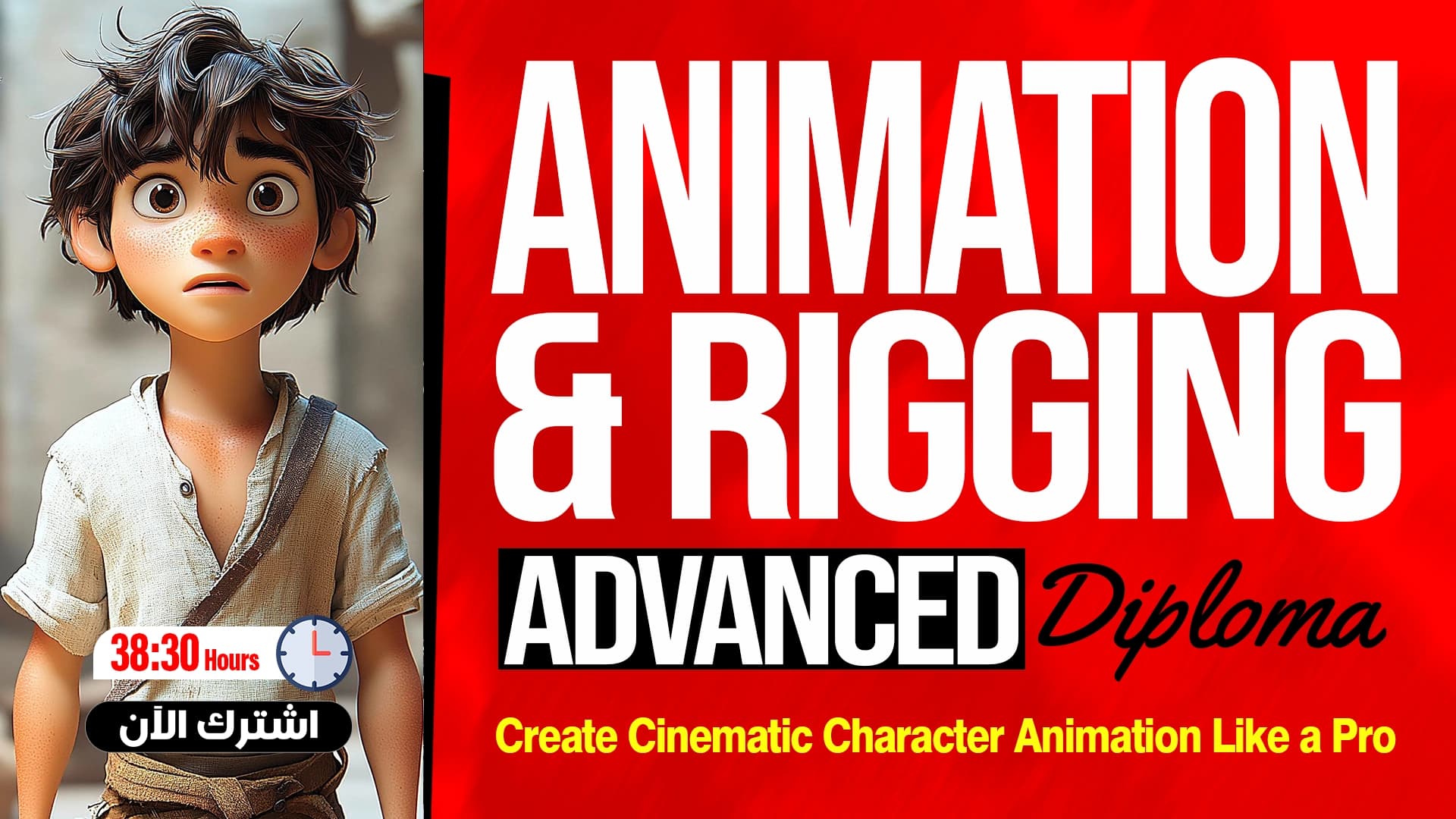
Character Animation Mastery with MOHO
Start from Scratch and Create Lively Cartoon Characters
What you'll learn
- Get to know the Moho interface
- Understand the Layers window and layer types
- Use the Draw, Fill, and Stroke tools
- Separate layers and prepare them for animation
- Use Masking in drawing
- Draw a complete cartoon character
- Create Bones and attach them to the drawing
- Rig the whole character
- Fix motion errors using Smart Bones
- Create advanced animation using Bone Constraints
About this course
This course shows you how to draw and animate cartoon characters using Moho from scratch. It starts with an introduction and getting to know the program interface, then explains the Layers window and the layer types, the Draw tools window, the Fill window, and controlling the Stroke property. After that you learn how to separate layers and prepare them for animation and use Masking, then you draw a complete character in two parts. You move on to the basics of Bones and joints and the ways to attach them to the drawing, then Rigging the whole character, fixing motion errors with Smart Bones, and advanced animation with Bone Constraints. The course is useful for any beginner who wants to enter the world of two-dimensional animation, whether you are a hobbyist or a designer who wants to add animation to your skills. You do not need any previous experience with Moho, because every step is explained through hands-on work. By the end, you will be able to draw a cartoon character, prepare it for animation, and create smooth motion scenes yourself, with a practical understanding of the bone system and how it works inside the program.
Expected outcomes
- Ability to draw a complete cartoon character in Moho.
- Prepare the character for professional animation.
- Execute realistic and smooth animation scenes.
- Practical understanding of rigging and smart bones systems.
- Ready to implement your own animation projects.
Learner reviews
- ★★★★★Ahd A.·منذ 3 شهرشاهد 50٪
السلام عليكم بجد دورة جميله جدا واستفدت منها والشرح بسيط وجميل وبعرف اطبق بعدها علطول بسهوله
تم عرض كل التقييمات (1)
Course content
1Getting to Know the Software and Drawing Tools
5 lectures
- Introduction and Overview of MOHO InterfaceIntroduces the Moho course and interface: creating a new project, multiple files in tabs, setting 1920 by 1080 resolution, frame rate and start and end frames, then naming and saving the file.12:40
- Layers Window Explanation and Types of LayersExplains the Layers window and layer types in Moho: Vector, Image, Group, Bone, Switch, Text and Audio, and what each does, such as Switch for swapping hand and mouth poses.12:16
- Draw Tools Window ExplanationCovers the tools of the Draw window in Moho: creating a Vector Layer, drawing points and rectangles, adding points, and moving them with Transform, Curvature and Magnet tools while controlling handles.19:53
- Fill Window Explanation for Shape ControlExplains the Fill window in Moho: drawing a shape, adding or removing Fill and Stroke, changing color from the color wheel or by code, and deleting unwanted shapes.15:16
- Mastering the Stroke PropertyExplains controlling Stroke and Fill on shapes in Moho, such as deleting specific points, blending an arm into the body with the Transform tool, and making an arc from a circle by setting the line's start and end.17:11
2Preparing the Character for Animation
4 lectures
- Layer Separation and Preparation for AnimationExplains splitting a drawing into layers in Moho before animating: naming a layer, moving each part such as the face and eyes into its own vector layer, and grouping elements that move together, like hair.11:53
- Masking Function Explanation and ApplicationExplains the masking concept in Moho and applies it to a character's mouth: making the tongue and teeth show only inside the mouth using a Group Mask with the Hide All option, then adjusting mouth shapes.20:25
- Complete Character Drawing (Part 1)Draws the first half of a complete character in Moho on vector layers, focusing on basic structure and proportions: body, front arm, legs and shoe, naming each layer, before drawing the face.29:59
- Complete Character Drawing (Part 2)Continues drawing the character by adding new layers for the head and face, adjusting the circle and perspective, drawing eyes, nose, ears and hair in a simple style, and grouping all layers together.25:36
3The Skeleton and Rigging System
4 lectures
- Bones BasicsExplains Bones basics in Moho for building a character's skeleton: drawing arm bones across three layers, binding each layer to a bone through its properties, and using the manipulate and transform tools on bones.15:53
- Connecting Bones to DrawingExplains ways to bind Bones to artwork in Moho, starting with Layer Bind, which needs the drawing split into separate layers, then binding points to a bone with Bind Points and testing with the Manipulate tool.22:44
- Complete Character Rigging (Part 1)Starts full rigging of the character: grouping the artwork, drawing bones for legs, arms and shoulders, binding layers to them, then testing movement with the Manipulate tool and adjusting bone positions.32:22
- Complete Character Rigging (Part 2)Continues rigging by binding the face parts, ears and front hair to bones with Bind Points, then testing the body, arms, neck and head movement, noting problems that will be fixed later.19:53
4Advanced Animation
3 lectures
- Fixing Motion Errors with Smart BonesExplains fixing motion glitches in Moho with Smart Bones: adjusting the shoulder, arm and foot during movement, and saving the correction inside the bone so it handles each movement.34:36
- Advanced Animation with Smart BonesExplains Smart Bones used to add extra character movements such as eye blinks, eyebrow motion and mouth expressions, by recording different bone poses in Actions and controlling them over frames.11:55
- Advanced Animation via Bone ConstraintsExplains the Bone Constraints window for controlling bone movement, such as Angle Constraints to limit rotation angles, plus Target and Bone Dynamics settings to keep the foot planted on the ground.11:56
Instructor

Eng. Mustafa Abul-Fadl
This course is part of the diploma