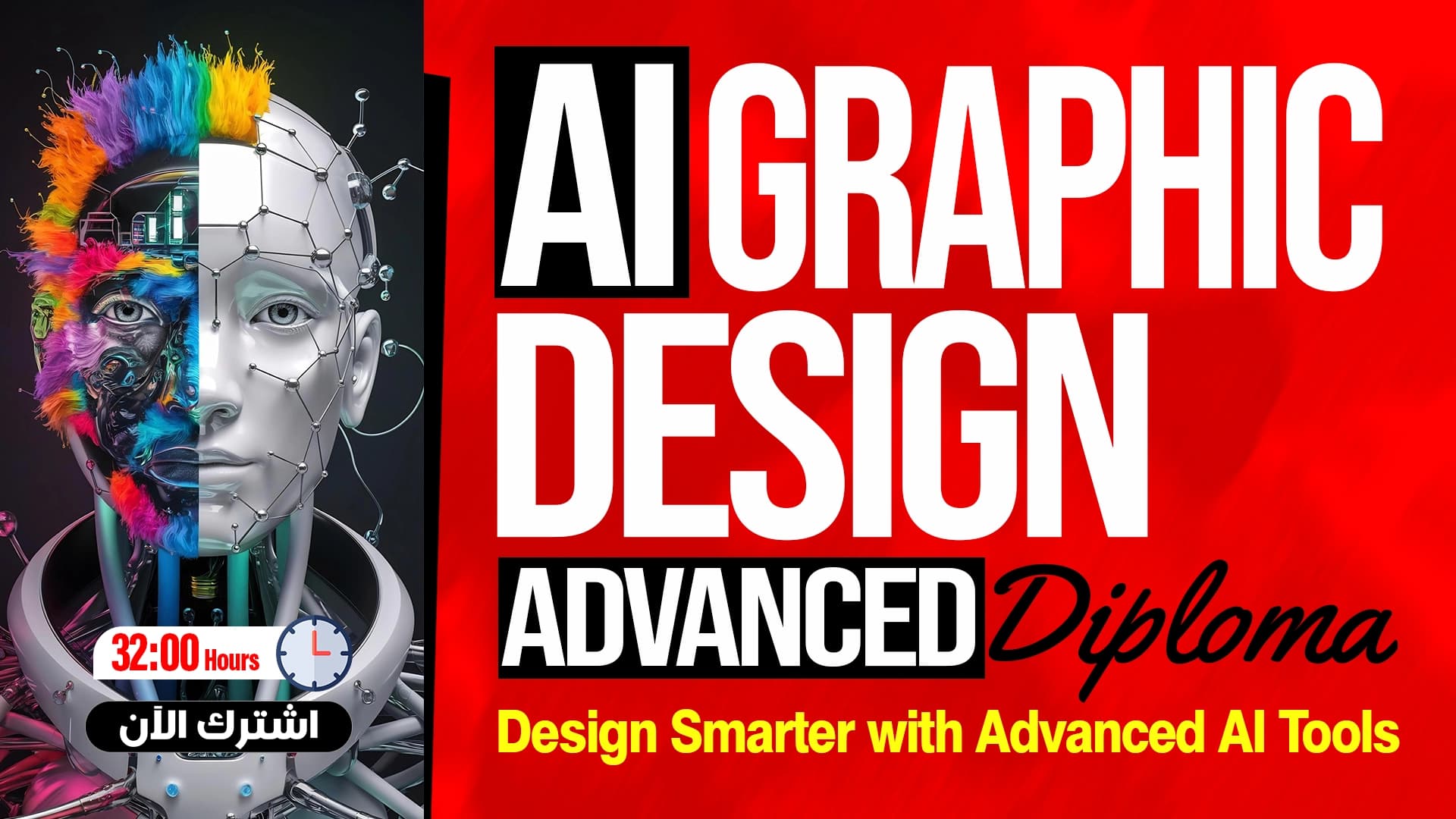
The Power of AI in Illustrator
Using Firefly, Nano Banana Pro, and Ideagram for Professional Designs
What you'll learn
- Write prompts and engineer commands with precision
- Explore advanced vector generation tools
- Generate with Firefly Vector
- Design with GPT Image and Ideogram
- Generate creative elements with Nano Banana
- Compare generation models and choose the best fit
- Create repeating Patterns
- Use Gen Shape Fill and smart recoloring
- Design logos and visual identities
- Generate cartoon characters with AI
About this course
This course shows you how to use artificial intelligence inside Adobe Illustrator to create professional vector designs. It starts with an introduction, then the types of prompts and prompt engineering, and exploring advanced vector generation tools. After that you learn generation with Firefly Vector, then design with GPT Image inside the vector environment, creating precise designs with Ideogram, using Nano Banana to generate creative elements, and comparing the strongest generation models and the best use of each one. Then you move on to creating repeating Patterns, using Gen Shape Fill, smart recoloring, generating logo ideas and designing visual identities, and creating imaginary cartoon characters or characters inspired by real people. The course suits designers and anyone who works in graphics, and it is best if you already know the Illustrator interface. By the end, you will be able to write precise prompts and generate logos, patterns, and characters with artificial intelligence.
Expected outcomes
- Ability to create professional vector designs using artificial intelligence.
- Transform simple ideas into logos and complete visual identities.
- Generate ready-to-use commercial patterns.
- Create fictional cartoon characters or those inspired by real people.
- Accelerate turnaround time and increase productivity in your projects.
Learner reviews
- ★★★★☆Safwat A.·منذ 4 شهرشاهد 50٪
ممتاز شرح مفهوم ومفصل
تم عرض كل التقييمات (1)
Course content
1The Power of AI in Illustrator
16 lectures
- Course IntroductionCourse intro: using AI in Illustrator as a real design tool producing editable vectors, the importance of writing prompts, the five Generative Vector models, then patterns and the Turntable.7:49
- Types of Prompts and Command Writing Engineering ProfessionallyExplains prompt engineering for vector models: specifying curve quality, color control, shading, element hierarchy and editability, plus common mistakes such as emotional words and incomplete prompts.16:31
- Exploring Advanced Vector Generation ToolsDefines Generative Vector, which produces editable vector drawings, lists its five models, explains the difference between Scene, Subject and Icon, and covers settings such as colors, color count and generation styles.18:27
- Mastering Generation with Firefly Vector 3Explains using Firefly Vector 3 to generate scenes, subjects and icons, editing results with the Direct Selection Tool, and concludes it suits simple icons and educational scenes rather than advertising work.19:59
- The New Power in Firefly Vector 4 and Its Practical ApplicationsExplains Firefly Vector 4 as a stronger model for complex scenes, cleaner paths and finer detail, edits its results hands-on, and compares it with Vector 3, which suits simpler, faster icons.29:00
- Designing with GPT Image 4o in the Vector EnvironmentExplains GPT Image 4o as an image generation model rather than a direct vector generator, strong in scene understanding, composition and visual thinking, testing it on a scene and a character and editing results with anchor points.20:05
- Creating Precise Designs Using Ideogram 3Explains Ideogram 3 as the strongest Generative Vector model for style control and visual consistency, suited to branding, identities and logos, tested on scenes, characters and icons with its clean paths.19:31
- Harnessing the Power of Nano Banana in Generating Creative ElementsExplains Nano Banana as a model for unusual ideas, creative exploration and concept art rather than conventional icons, testing it on character and flat art generation and editing output with the Direct Selection Tool.19:11
- Professional Comparison Between the Strongest Generation Models and Their Best UsesCompares the five Generative Vector models using the same cat prompt in three cases, Scene, Subject and Icon, showing Vector 3 suits simple scenes, Vector 4 detail, and Ideogram 3 an advertising style.33:30
- Creating Repeating Patterns Professionally and QuicklyExplains generating repeating patterns with the Create a Unique Pattern option and the Generate Patterns panel, with density and color settings, and how the pattern stays fixed when the shape is moved or resized.11:26
- Transforming Simple Designs into Professional Works Using Gen Shape FillExplains the Generative Shape Fill tool for turning a simple pen or shape drawing into a polished work by adding a prompt, style and detail, tested on a house sketch with doors and windows, plus recoloring the artwork.8:33
- Smart Recoloring and Completing Designs with AI ToolsExplains Recolor Your Art for changing a design's colors with preset styles and adjusting saturation and palette, the option to extend a scene in the same style, and merging results into one group for easier editing.10:21
- Generating Creative Logo Ideas with Artificial IntelligenceCovers the logo idea stage in Illustrator using Generate Vector and models like Nano Banana, taking concepts, colors and general ideas from the results, and regenerating several times to compare rather than adopting a final logo.11:28
- Designing Logos and Visual Identities Using Advanced Generation ToolsExplains designing text-based logos with Ideogram 3, then producing the final logo with Firefly Vector models, refining, coloring and grouping its parts in Illustrator, using AI generation to save time.19:16
- Generating Imaginary Cartoon Characters ProfessionallyExplains generating cartoon characters in Illustrator with English prompts, and compares results from Firefly Vector, Ideogram 3, GPT and Nano Banana in details, colors and how well each understands the prompt.15:36
- Creating Cartoon Characters Inspired by Real People with High PrecisionTests how well Firefly Vector, GPT, Ideogram 3 and Nano Banana can draw a real famous person in flat art style, comparing likeness, and shows Nano Banana is the closest at recognizing figures.9:28
Instructor

Eng. Hamza Mounir
This course is part of the diploma