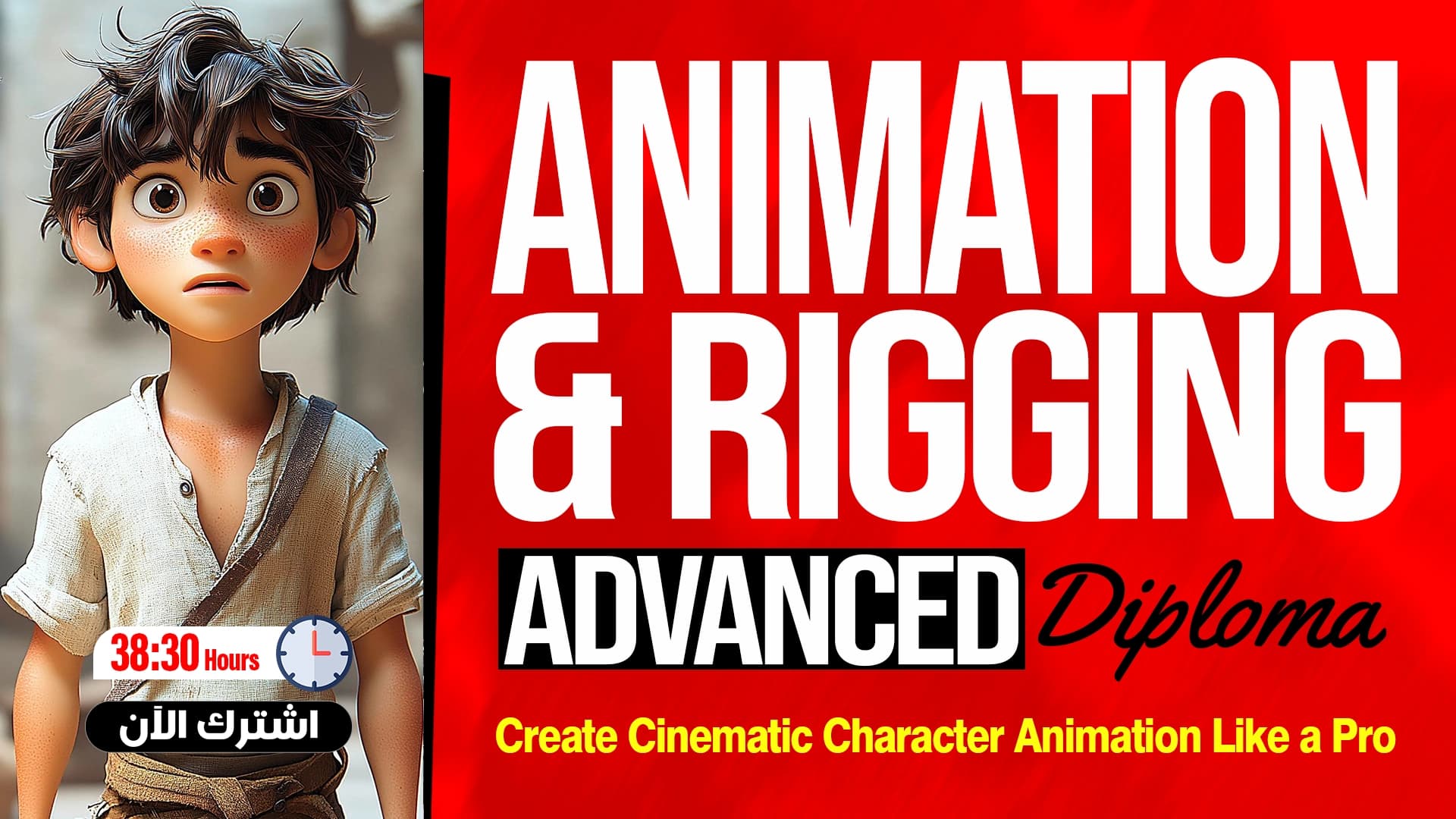
Cartoon Character Drawing for Beginners
Learn Cartoon Character Drawing with Illustrator
What you'll learn
- Turn a sketch into a vector in Illustrator
- Draw a simple cartoon character
- Draw a Gulf-style character
- Draw cartoon characters in general
- Practice drawing on three cartoon characters
- Draw well-known cartoon characters
- Draw cartoon characters with a different style
- Draw characters in the flat art style
About this course
This course teaches cartoon character drawing for beginners using Adobe Illustrator. You start with the course introduction, then learn to turn a sketch into a vector, the key step for cleaning up a hand drawing and bringing it into the program. Next you draw a simple character, then a Gulf-style character, and then learn how to draw cartoon characters in general. The course includes three exercises in a row on drawing a cartoon character, where you practice what you learned step by step. Then you draw well-known cartoon characters and characters with a different style, and finish with two flat art exercises, the first for Abdel Ghafour El Barei and the second for Will Smith. It suits anyone who loves drawing and design and wants to learn character drawing, whether you are a complete beginner or a designer adding a new skill, and it needs no previous Illustrator experience. By the end, you will be able to turn your ideas and drawings into vector characters with different expressions and looks, and draw characters in the flat art style.
Expected outcomes
- Create unique and expressive cartoon characters.
- Use various tools and techniques in cartoon drawing.
- Develop skills to draw simple and complex cartoon characters.
- Produce illustrations that reflect your ideas and creativity.
Learner reviews
- ★★★★★Toy S.·منذ 2 شهرشاهد 50٪
تم عرض كل التقييمات (1)
Course content
1Drawing Cartoon Characters
12 lectures
- Course IntroductionOutlines the cartoon character course: converting a sketch to vector, drawing animals and icons, drawing characters from scratch in Adobe Illustrator, and Flat Art to turn a real person into a recognizable illustration.3:01
- Turning Sketch into VectorShows how to convert a sketch into a vector in Illustrator using basic shapes, corner editing and the Pen Tool, drawing the face, hair, ears, neck and its shadow, then comparing the result before and after.21:39
- Drawing a Simple CharacterShows drawing a simple cartoon character from scratch in Illustrator without a sketch: preparing colors, drawing hair, neck and its shadow, body, legs and hand, adjusting opacity for shadows and grouping parts.39:15
- Drawing a Gulf CharacterShows drawing a Gulf-style cartoon character from scratch in Illustrator, starting with the ghutra, then glasses, hand and fingers, and adding shadows and highlights by lowering Opacity and merging or cutting shapes.36:17
- Drawing Cartoon CharactersShows drawing a second cartoon character from scratch in Illustrator with new steps and tricks: setting the background and colors, then drawing the hand, neck, head, eyes and mouth, and adding shadow with the Pen Tool.20:58
- First Application on Drawing a Cartoon CharacterA hands-on exercise drawing the Hajji character from scratch in Illustrator: setting the background and colors, drawing the head, neck, eyebrows, mouth and turban, the hand and ihram garment, and adding highlights on the clothes.29:05
- Second Application on Drawing a Cartoon CharacterShows drawing the same character in different prayer positions, starting with standing: face, legs, hair, hand and fingers, with shortcuts like Eyedropper and Selection Tool, using Shape Builder and grouping shapes.18:54
- Third Application on Drawing a Cartoon CharacterCompletes the prayer positions by copying the grouped character and modifying it for bowing and prostration, scaling down distant parts, adjusting limbs and shadows, then the sitting pose, keeping the background locked.32:20
- Drawing Famous Cartoon CharactersShows drawing a well-known cartoon character from scratch as preparation for drawing real people: nose, eyes, eyebrow, body and clothes with the Pen Tool and Shape Builder, then adding a background, a circle and text.45:43
- Drawing Cartoon Characters with a Different StyleShows drawing a well-known ninja character from scratch in Illustrator: face and eye patch, then body, shield, sword and belt, copying, rotating and reflecting parts, and adding shadow by lowering Opacity.22:37
- Flat Art (Abdul Ghafour Al-Barai)Explains the Flat Art style for turning a famous real person, Abdel Ghafour El-Borei, into an instantly recognizable illustration, drawing the face, mustache and neck with the Pen Tool, adjusting curves and reflecting symmetric parts.36:15
- Flat Art (Will Smith)Shows drawing Will Smith in Flat Art style in Illustrator: outlining the head shape, editing curves and Anchor Points, drawing ears and eyes, and using Shape Builder to remove extra parts.29:07
2Additions
1 lectures
Instructor

Eng. Hamza Mounir
This course is part of the diploma