Computer Basicsعربى
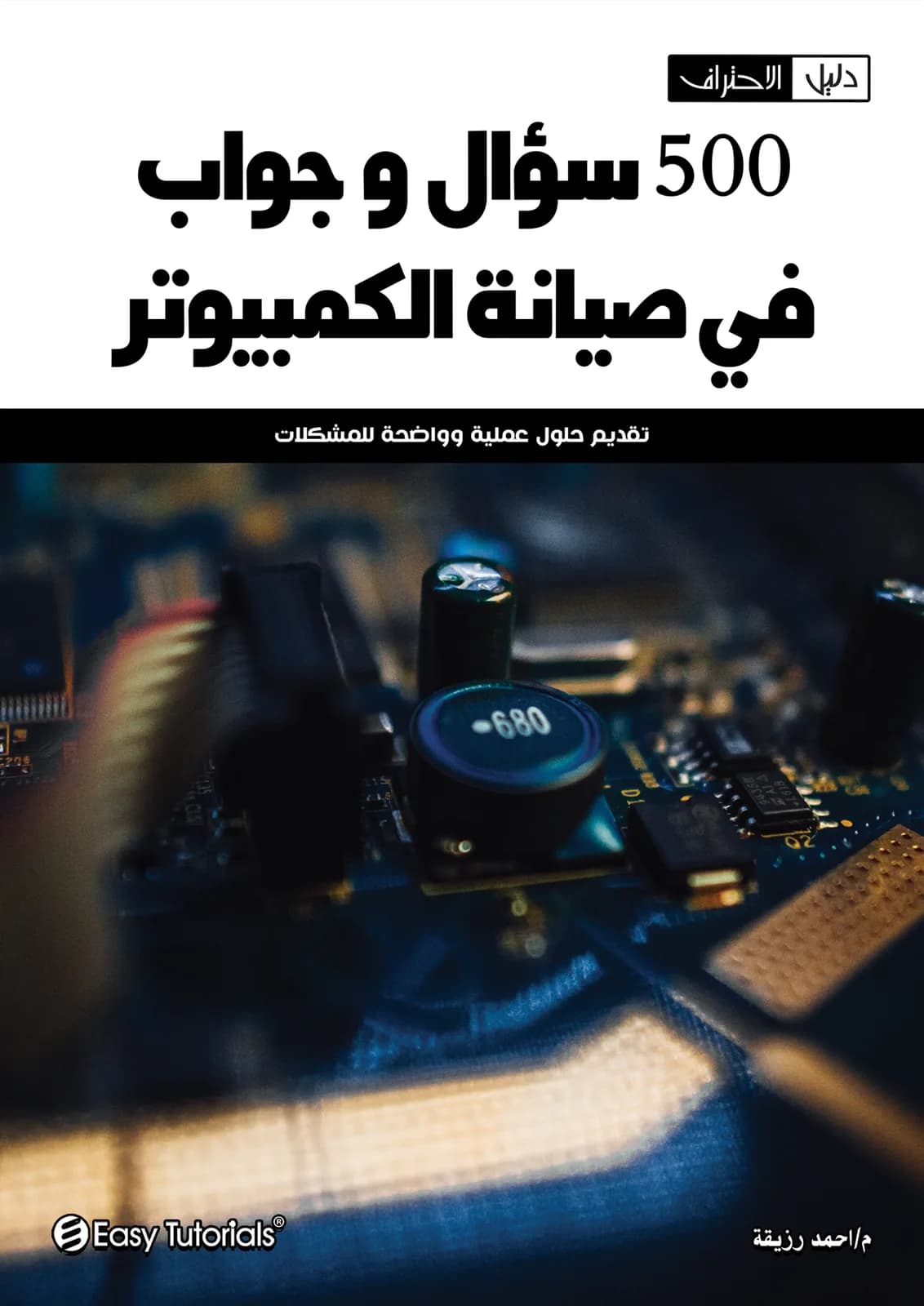
Questions and Answers in Computer Maintenance
A comprehensive guide for troubleshooting and repair
Master the art of computer maintenance with expert insights.
What you'll learn
- Effective troubleshooting techniques
- Basic hardware repair skills
- Software installation and management
- Preventative maintenance practices
- Understanding common computer issues
- Customer service skills for technicians
About this book
This book serves as an essential resource for anyone looking to deepen their understanding of computer maintenance. With a clear question-and-answer format, it addresses common issues and provides practical solutions that can be applied in real-world scenarios.
Whether you are a beginner or an experienced technician, this guide offers valuable insights into troubleshooting techniques, hardware repairs, and software management. Its structured approach makes it easy to navigate through various topics, ensuring you can quickly find the information you need to keep computers running smoothly.
Who this book is for
- Aspiring computer technicians
- IT support professionals
- Students in computer science
- Hobbyists interested in DIY repairs
- Small business owners managing their own tech
Why read this book
- Structured Q&A format for easy reference
- Real-world examples and practical solutions
- Covers both hardware and software aspects
- Ideal for both beginners and experienced users
Reader reviews
These reviews are from readers who own the book — through purchase or as part of their subscription.
4.8
★★★★★
66 reviews
5★
51
4★
15
3★
0
2★
0
1★
0
Table of contents
1تمهيد ومقدمة الكتاب
2خطوات تجميع الكمبيوتر وتحضير الهيكل
3أقسام صيانة الكمبيوتر (500 سؤال وجواب)
- القسم الأول: أسئلة عامة في صيانة الحاسب وأعطاله بوجه عام وكيفية علاجها
- القسم الثاني: صيانة اللوحة الأم (Motherboard) وأعطالها
- القسم الثالث: صيانة القرص الصلب (Hard Disk) ومشاكله وعلاجه
- القسم الرابع: صيانة ذاكرة الحاسب (RAM & ROM) وأنواعها
- القسم الخامس: صيانة المعالج (CPU) والميكروبروسيسور
- القسم السادس: إعدادات البيوس (BIOS Setup) والتعامل معها
- القسم السابع: رسائل الخطأ الشائعة ومعانيها وكيفية علاج المشاكل المسببة لها
- القسم الثامن: صيانة موزع الطاقة (Power Supply)
- القسم التاسع: صيانة الشاشة (Monitor) والطابعة (Printer)
- القسم العاشر: صيانة محرك الأقراص المضغوطة (CD-ROM)
- القسم الحادي عشر: صيانة كارت الشاشة (VGA / Graphics Card)
- القسم الثاني عشر والأخير: نظام التشغيل وأعطاله والتغلب على مشاكله